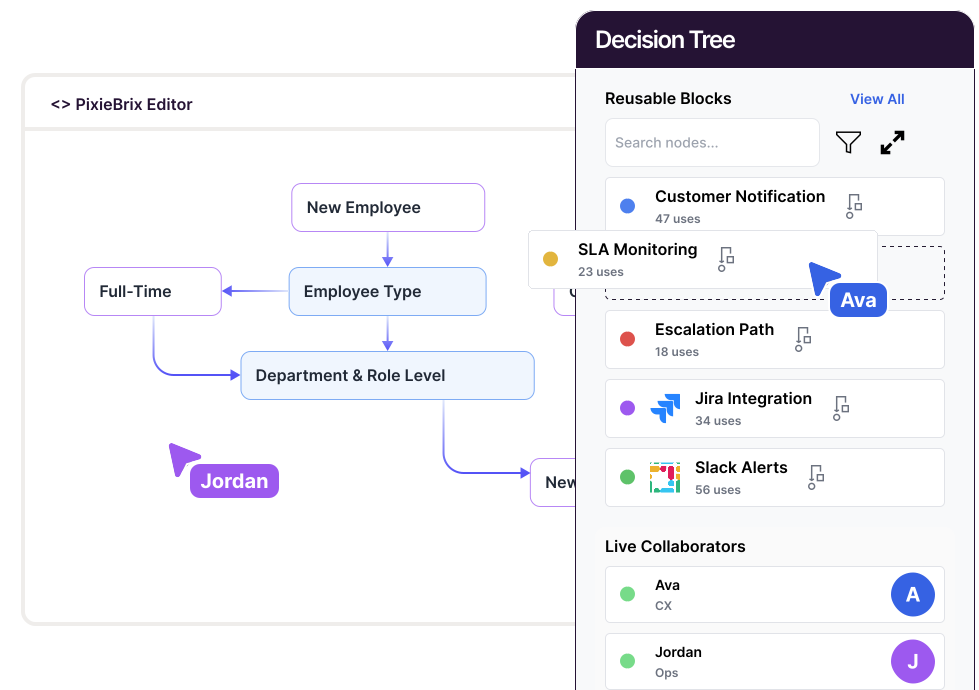
An escalation decision tree is a structured workflow that guides support or operations teams through the process of deciding when, how, and to whom an issue should be escalated. It replaces ad hoc judgment with clear, repeatable logic - ensuring that every customer issue or technical incident is handled at the right level, by the right team, at the right time.
In practice, an escalation decision tree prompts an agent or analyst through key questions like:
Each answer determines the next step - whether to continue troubleshooting, escalate internally, or trigger notifications to higher-tier support, engineering, or leadership.
When built with PixieBrix, an escalation decision tree lives directly inside the browser, embedded within tools like Zendesk, Salesforce, or Jira. It guides agents in real time, pulling in ticket data, customer context, and SLA information automatically. This ensures faster resolutions, fewer unnecessary escalations, and more consistent outcomes across the entire support organization.
In short, an escalation decision tree transforms reactive support into a proactive, data-driven process - reducing handle time, improving CSAT, and keeping complex cases from falling through the cracks.
Unclear escalation rules cause frustration - for customers and teams alike. Without defined criteria, cases sit unresolved, duplicate work increases, and high-severity issues slip through the cracks.
An escalation criteria decision tree provides clarity. It breaks down escalation logic into simple, guided steps that help agents and team leads assess priority, impact, and ownership. Whether it’s a technical bug, billing dispute, or compliance breach, every escalation follows the same standard - ensuring that issues reach the right people with the right context, fast.
PixieBrix brings this logic directly into your helpdesk or CRM, giving teams real-time guidance and automated actions that streamline the entire escalation process.
Agents interpret “high priority” differently, leading to uneven service quality.
Manual tracking of response times leads to late escalations and customer dissatisfaction.
Cases get sent to higher tiers before adequate troubleshooting, overloading specialists.
Without structured workflows, leaders can’t easily audit escalation history or root causes.
Escalations happen, but without the right data attached - forcing teams to re-investigate issues.
PixieBrix fixes this by codifying escalation logic into guided workflows, ensuring decisions are consistent, timely, and auditable.
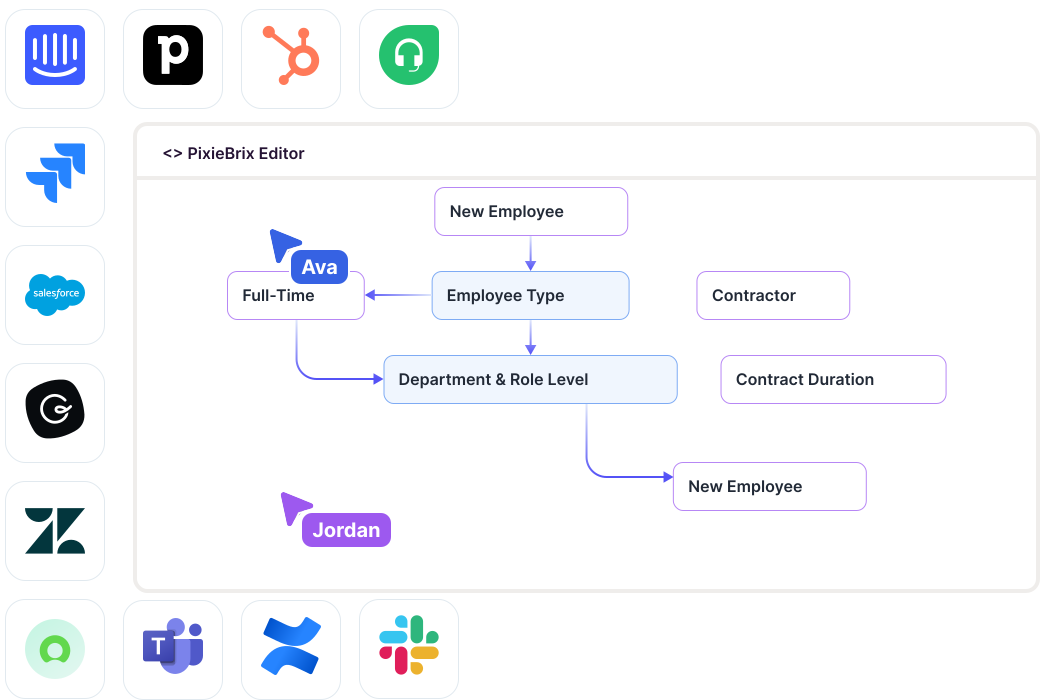
The Escalation Criteria Decision Tree Template by PixieBrix lets teams apply consistent decision-making logic directly inside their support tools like Zendesk, Salesforce, Intercom, or Jira Service Management - without switching screens or relying on static documentation.
Here’s how it works:
Because PixieBrix runs in the browser, it overlays seamlessly onto any web-based platform - no custom code or backend integration required.
PixieBrix runs inside your existing scheduling platform or EHR, guiding staff without needing to open another window or toggle between systems.
The tree helps staff identify the correct visit type, appointment length, and required provider qualifications - based on reason for visit and clinic rules.
Use PixieBrix’s no-code builder to define workflows for new visits, follow-ups, telehealth, or specialty consults. You can update rules as protocols change.
Trigger actions like:
Reduce rework and rescheduling by guiding staff to the right booking every time.
Track how often scheduling errors occur and which flows are used most. Use the data to improve training and reduce call center load.
From small clinics to large networks, PixieBrix helps standardize scheduling logic while allowing customization per site or specialty.
Document your escalation triggers: SLA thresholds, issue severity, customer impact, and department ownership.
Add the PixieBrix extension and load the Escalation Criteria Decision Tree template.
Customize prompts for escalation conditions - include business rules for severity levels, customer types, or error categories.
Connect automated alerts via Slack, Microsoft Teams, or email so escalations trigger instant updates to relevant teams.
Run simulations across support tiers to confirm correct routing, SLA handling, and escalation timing.
Track performance metrics like time-to-escalation, case resolution time, and escalation accuracy to measure improvement.
Ensure every agent follows the same rules for severity, priority, and impact, reducing confusion and human bias.
Automate reminders and escalation triggers before deadlines are missed, protecting customer satisfaction and contracts.
By routing issues to the right person on the first try, teams cut handoffs and resolution time by up to 30%.
Standardized escalation data gives leaders insights into recurring issues and process bottlenecks.
PixieBrix runs in the browser - teams can launch, adjust, and scale escalation logic instantly without backend work.
Agents in Zendesk use the PixieBrix decision tree to decide whether to escalate based on customer tier and SLA age. Result: 25% fewer unnecessary escalations and 20% faster resolution on critical tickets.
An internal IT team embedded the tree in Jira Service Management to classify incidents and automatically route high-severity outages to on-call engineers. Downtime notifications now reach the right team within minutes.
When a financial-services provider detects suspicious account activity, PixieBrix prompts investigators to follow escalation logic based on dollar amount and jurisdiction—ensuring consistent compliance handling across regions.
PixieBrix empowers support and operations teams to automate decision-making at the point of action. Instead of relying on static escalation charts or manual judgment, teams get guided, dynamic workflows that enforce consistency across all cases.
Quantifiable results include:
With PixieBrix, escalation management becomes a strategic advantage - predictable, auditable, and customer-centric.
It’s a guided workflow that helps teams decide when and how to escalate an issue, using predefined criteria for severity, priority, and SLA.
Yes. PixieBrix overlays directly on web-based CRMs, helpdesks, and ticketing systems without requiring backend development.
Absolutely. You can edit every decision branch to reflect your organization’s SLAs, team structure, and priority levels.
Most teams configure and launch within 1–2 days using PixieBrix’s low-code builder.
Yes. PixieBrix runs inside the browser and inherits your platform’s authentication, ensuring data security and compliance.